Hello everyone!
I am writing here, seeking help with Phoenix 3DOF Hexapod. I assembled the robot, following the wiki guide, and I reached the part where I needed to upload the Arduino code on the BotBoarduino. I took the code from GitHub, and uploaded it without issues. I managed to calibrate the robot using Lynxterm, the servos powering up without any issues, but, after that, when connecting the BotBoarduino to SSC-32U board, and after pressing and holding start button on the PS2 controller, the servos powers on for a moment, then powers down. I checked and rechecked the connections, and they are accordingly with the guides. Also, to start the robot, I have to keep the start button for a few seconds. And after it starts once, the most I get afterwards, is to have the servos to move sligthly, unless I turn it off and on again.
Thinking this might be a power issue, I have changed the wiring to use the additional 9V battery, but I received the same result, so I changed back to one battery solution. I have also tried the code from here, but same. I am not a programmer or an electrical engineer, and this is my first robot I assembled. I have looked on other posts I found regarding this robot, but I couldn’t find anywhere issues like I encounter.
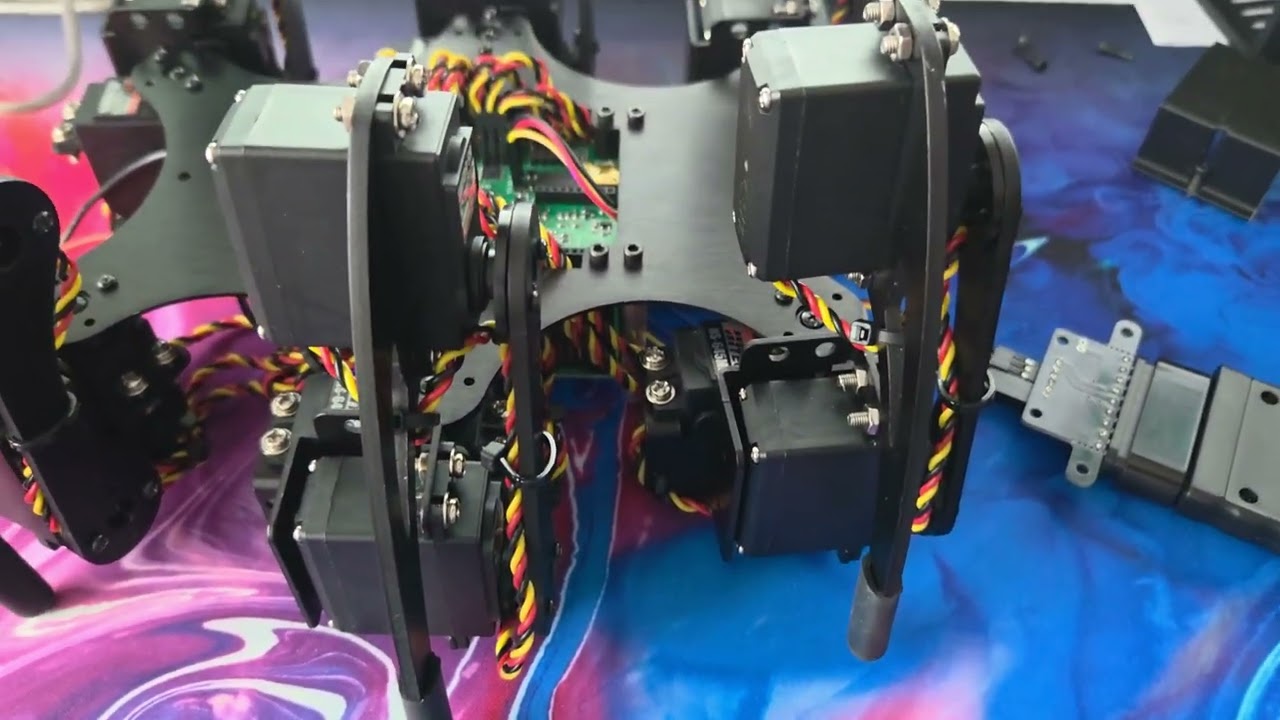
Below, I have added a short video showing the symptoms. Also, I have added some pictures with the wiring.
Thank you in advance!
The PS2 has two modes, have you pushed the Analog mode button ?
Can you try that ? 
Hi, thank you for your reply. I tried pushing the mode button on the controller, but it does the same. Actually, after pressing it, it looks like it doesn’t even try to stand as before. And as previously, after standing once, if I try and press the start button again, the most I get is a slight twich in the legs.
In your video we can hear the chime right before it stand up, and another just before going to the ground.
Is that you pressing the button again ?
The button functions are described HERE, here is the screenshot.
The first chime is after I hold the start button on the controller, but the second chime is doing it by itself, without any input from me.
Ok maybe I don’t understand.
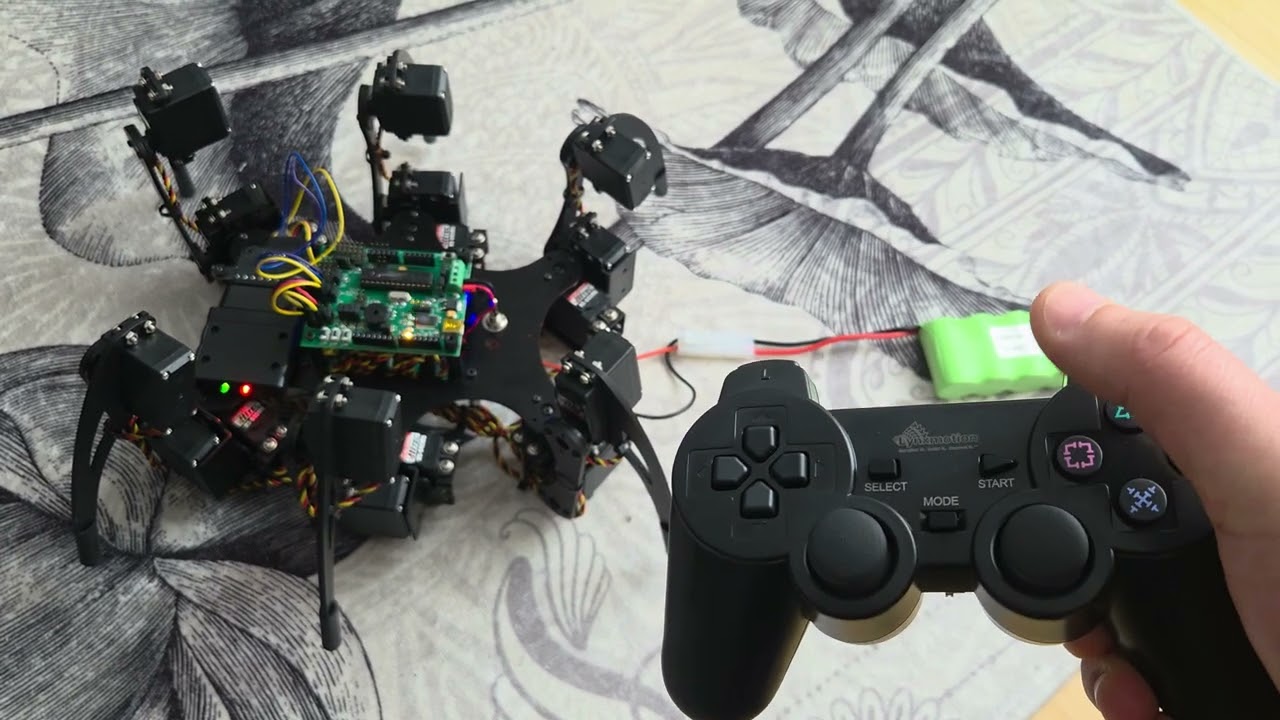
Can you explain what you do in the video, even better take a video with the PS2 remote in the view as well.
I hear a bunch of sounds which are Turning ON/OFF the robot so the behavior is normal since the robot actually turn off.
The question is Why it’s turning off.
You should not “hold” the start button, it’s a single push to start / stop.
I’m sorry I couldn’t explain better before. What I do in the video is turn on the controller, turn on the hexapod, then press and hold the Start button for the robot to start. But then I do not press any other button. I tried to just push the Start button, but it doesn’t do anything. I’ve tried to reverse the Attention/Command/Data connector on the controller receiver, as it’s stated in the guide, but it doesn’t do anything. I’ve checked all the wiring multiple times, to be sure I didn’t mess anything. To avoid any wrong connection, I’ve tried to match the colors from the instructions.
I’ve aded below another video, where the controller is visible.
I think I found it..
PS2 Controller Fix
If you are using a newer PS2 controller and receiver and experiencing lag or the robot turning off by itself, there is a one line fix in the PS2 library.
Find this file on your computer:
Arduino/libraries/PS2X/PS2X_lib.h
Open it with any text editor, find this line:
#define CTRL_CLK 4
Change the 4 to 6:
#define CTRL_CLK 6
Save the file and re-upload your sketch to the Arduino. That’s it.
Thank you very much  . This solved the problem.




 . This solved the problem.